
By -
Darren Straight
Live Earth Official Desktop Wallpapers provided by Ninemsn.com
Find the Live Earth wallpaper you are looking for below.
PC:
- Find the right size for you: right-click on your desktop, select “Properties”, select the “Settings” tab, note the dimensions in “Screen Resolution / Area”
- Click on the size you want (800×600, 1024×768, 1280×1024 or 1680×1050)
- Right-click on the image and click “Set as Background” (or “Set as Wallpaper”)
Mac:
- Click on the size you want (if in doubt, choose the largest as Mac will adjust to fit)
- Control-click on the link and select Download Image – save image to desktop
Go to Apple menu > System Preferences > Personal – select “Desktop”. On the “Collection” pulldown, select “Choose Folder” and find the image
Now, you’re ready to go!

AUSTRALIA 800 x 600 | 1024 x 768 | 1280 x 1024 | 1680 x 1050

GLOBAL 800 x 600 | 1024 x 768 | 1280 x 1024 | 1680 x 1050
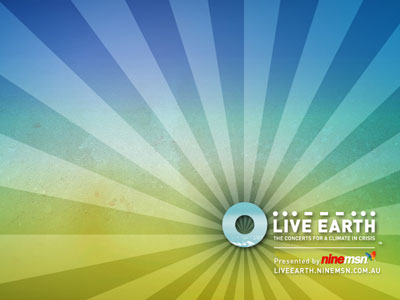
LIVE EARTH 800 x 600 | 1024 x 768 | 1280 x 1024 | 1680 x 1050
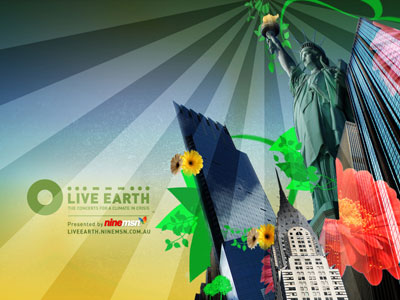
USA 800 x 600 | 1024 x 768 | 1280 x 1024 | 1680 x 1050
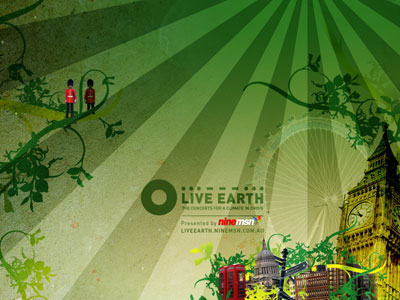
UK 800 x 600 | 1024 x 768 | 1280 x 1024 | 1680 x 1050

CHINA 800 x 600 | 1024 x 768 | 1280 x 1024 | 1680 x 1050

JAPAN 800 x 600 | 1024 x 768 | 1280 x 1024 | 1680 x 1050

GERMANY 800 x 600 | 1024 x 768 | 1280 x 1024 | 1680 x 1050
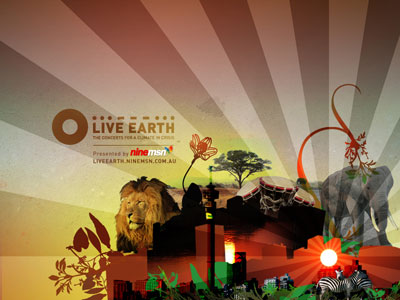
SOUTH AFRICA 800 x 600 | 1024 x 768 | 1280 x 1024 | 1680 x 1050

BRAZIL 800 x 600 | 1024 x 768 | 1280 x 1024 | 1680 x 1050
1 thought on “Live Earth Official Desktop Wallpapers provided by Ninemsn.com”
renovate house where to start September 2, 2014 at 5:01 pm
This paragraph presents clear idea in favor of the new viewers of blogging, that truly how to ddo running a blog.