Jump to content

Welcome to Yet Another Minecraft Server (YAMS)
Register now to gain access to all of our features. Once registered and logged in, you will be able to create topics, post replies to existing threads, give reputation to your fellow members, get your own private messenger, post status updates, manage your profile and so much more. If you already have an account, login here - otherwise create an account for free today!
Photo

How to upload screenshots using Imageshack


  • This topic is locked This topic is locked
2 replies to this topic

#1
Captain_Marbles

Captain_Marbles

    Diamond Miner

  • Moderators
  • 765 posts
  • LocationCumbria, North West of England.
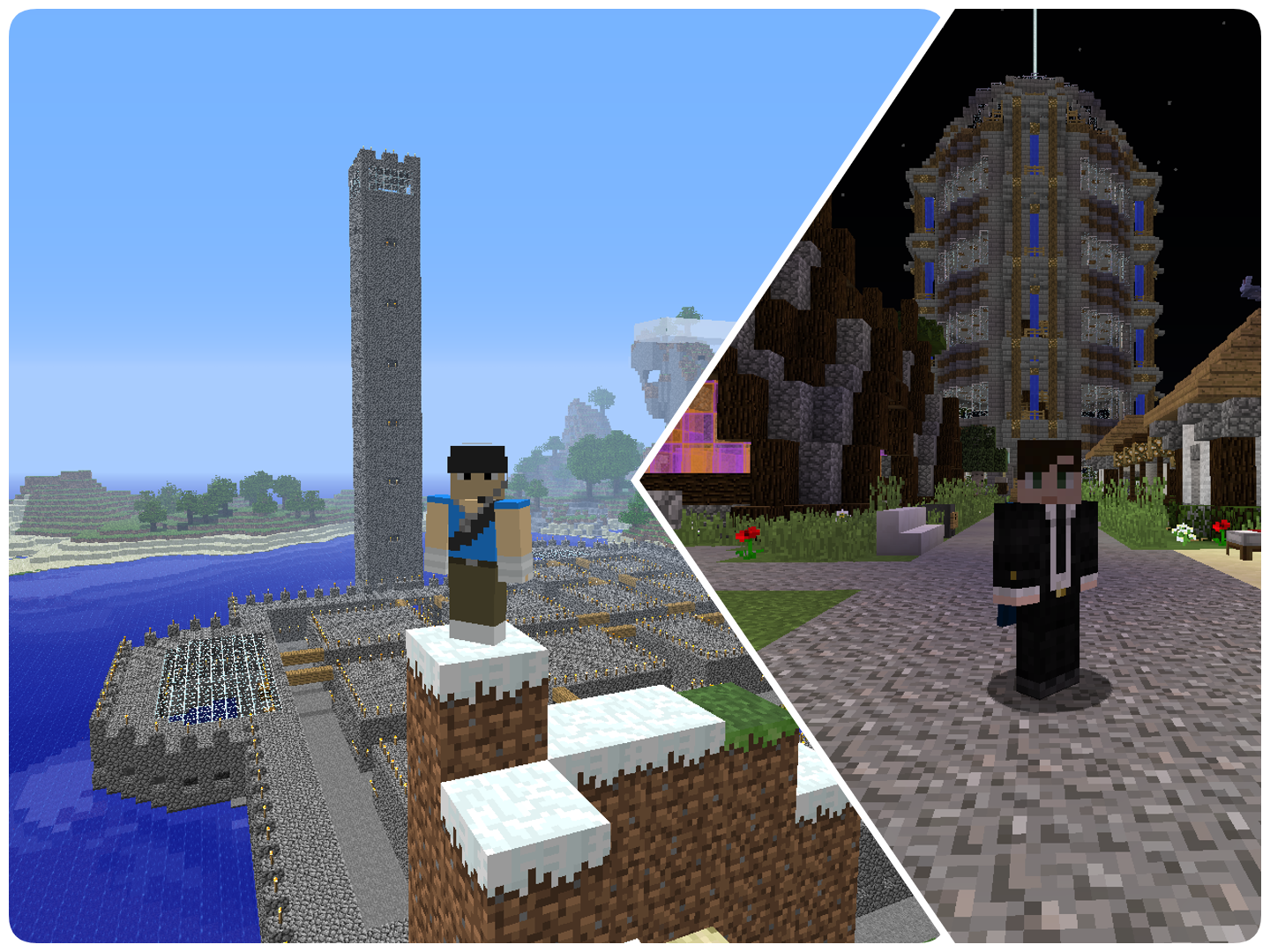
I've noticed a few people having trouble uploading screenshots taken in YAMS, so I made this small video showing you how to upload them using www.imageshack.com. Enjoy :lol:


If you think about it, you're reading this from the future. Greetings from the past :)
Do you have hoverboards yet?!!


@The_Slimy_One


#2
DevonHD

DevonHD

    Gold Getter

  • Members
  • PipPipPipPip
  • 370 posts
  • LocationPerivale
Thanks :)

A friend wears a smile
When the world wears a frown

A friend will lend a hand
To help when you’re down


#3
Jorgmeisterwork

Jorgmeisterwork

    Coal Collector

  • Members
  • PipPip
  • 83 posts
  • LocationNorway :)

Thanks, will try it :)


YAMS- Yellow Adorable Minecraft Sheep  gulsau.png


0 user(s) are reading this topic

0 members, 0 guests, 0 anonymous users