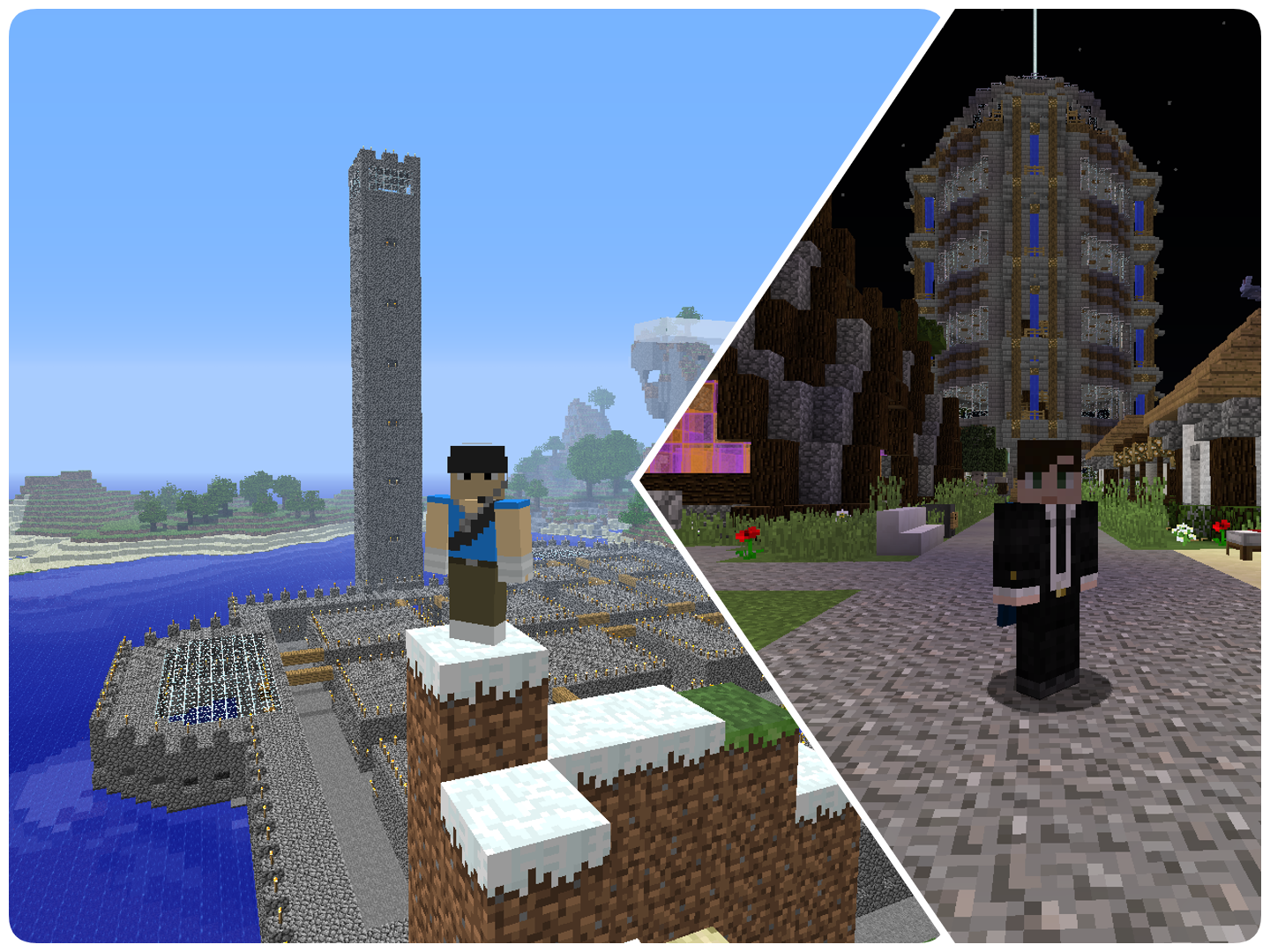
The reason we can’t move over to Minecraft 1.3.x straight away is for the simple fact that we have to wait until Bukkit / CraftBukkit and various plugins have updated themselves to the latest version of Minecraft, without these plugins we could not guarantee the smooth running of YAMS. Statement from Bukkit concerning Minecraft 1.3 can be found at this link.
We have in the past sometimes run castaway world, in which we go pure vanilla with a new world, this means no plugins at all and anything like that. However this time round with so many projects on the go within YAMS we will not being doing this.
So I suggest you do not update to Minecraft 1.3. However should you wish to go and play 1.3.x without us then please make a copy of your bin folder or the minecraft.jar file so you can come back and play on YAMS if you get bored!
It is important you do this before you update if you wish to come back to us before we update.
Bin folder located at the following locations ( “~” = username):
Windows 2000, XP, and Server 2003: C:\Documents and Settings\~\Application Data\.minecraft
Windows Vista, Windows 7, Windows Server 2008 and R2: C:\Users\~\AppData\Roaming\.minecraft
Linux: /home/~/.minecraft
Mac: ~/Library/Application Support/minecraft
You can also find this location by going to Texture Packs (on the main menu) -> Open Texture pack folder -> Then going up a level till you see the bin folder. Or for example on windows you could type in your explorer bar %appdata%/.minecraft
If you forget to do take a copy of you bin file etc, you will need to use a program like McNostalgia to come back, however bear in mind this takes a while to update.
As always I will keep you updated on the latest news of updating, if you have any concerns relating to YAMS and 1.3.x please feel free to ask in here and I'm sure someone will be able to answer you. Though some questions we wont know the answer too till it happens!
Thank you,
Darren and the rest of the YAMS Staff.


Sign In
Create Account
This topic is locked


Back to top