By -
Darren Straight
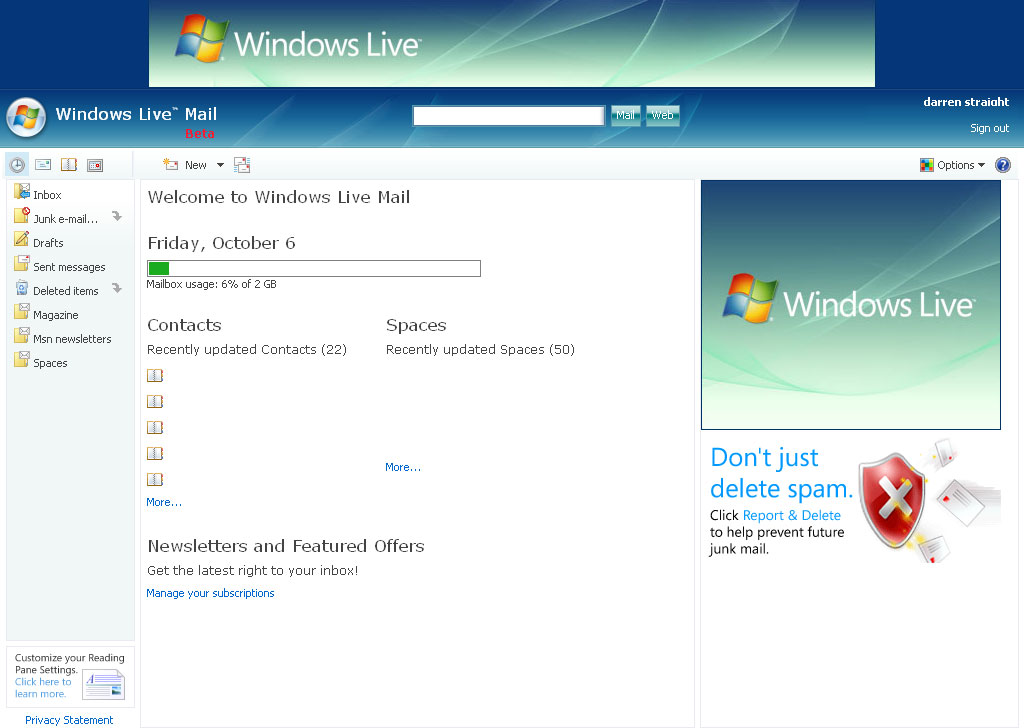
Windows Live Mail M8 now officially released!
Following my recent post about Windows Live Mail M8 finally being rolled out onto some server bays, Windows Live Mail M8 is now officially released and availbale to all!
Windows Live Mail is Friendlier
Check out these new M8 features that make WLM friendlier to you, your browser, and your friends:
- Choose which of your multiple email addresses an email should be sent from
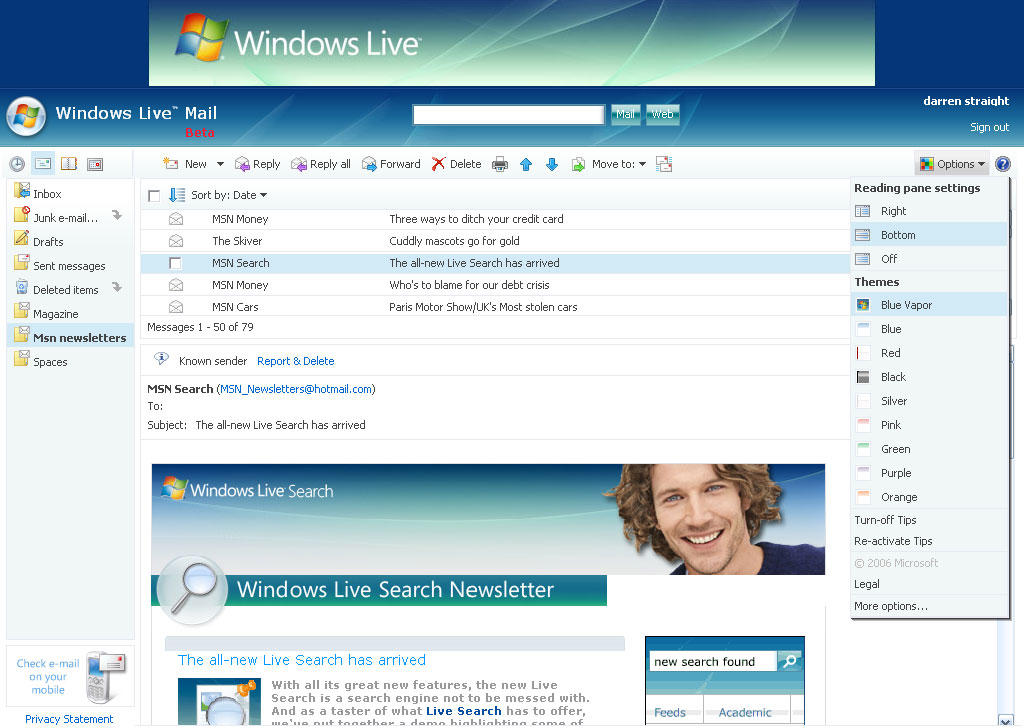
- Personalize the look and feel of your inbox using themes
- Access other Windows Live products from the Windows Live Jewel
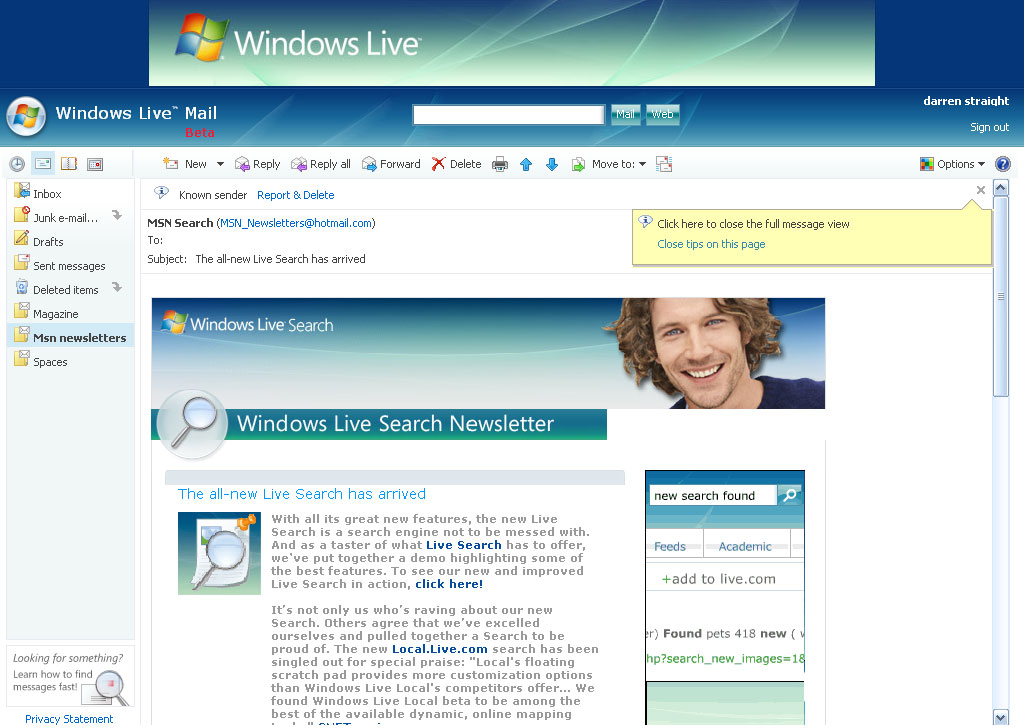
- See more of what’s important to you: we squeezed a bunch of pixels out of the interface to give you more room to read your mail, view your contacts, and do everything else you need to do.
- Use the back and forward buttons (and their shortcut keys) in your browser to navigate around WLM! I love shortcut keys.
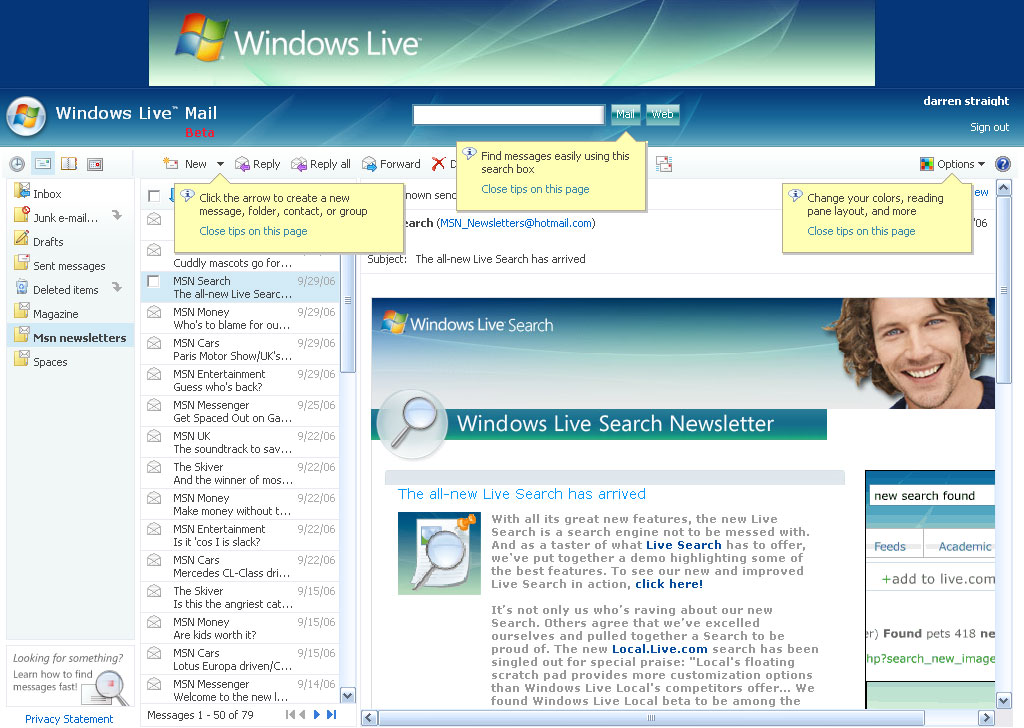
- Learn more about WLM through balloon tooltips that highlight features all around the product
- Along with many other improvements to the Light version of WLM, you can now manage your folders with ease.
Windows Live Mail is Faster and More Reliable
- We know that all of you love blazing fast performance from your web applications. We also know that some of you have slower connections or somewhat older computers. To meet these needs, we dedicated an entire team to improve performance. I can proudly say that they’ve done that: your messages and contacts display faster even with the new features!
- If you’re looking for even faster performance (and something more similar to Hotmail’s look and feel), check out the Light version of WLM. While this version doesn’t have all the bells and whistles of the rich version, it’s even faster than the original Hotmail!
- We also put a team on making WLM more reliable. While they’ve improved many other things, I’m most excited about their work to make the entire login process more resilient (thanks for your comments and feedback on that!).